Contact Us (02) 9388 1741
Mounting Brackets

Mounting Brackets

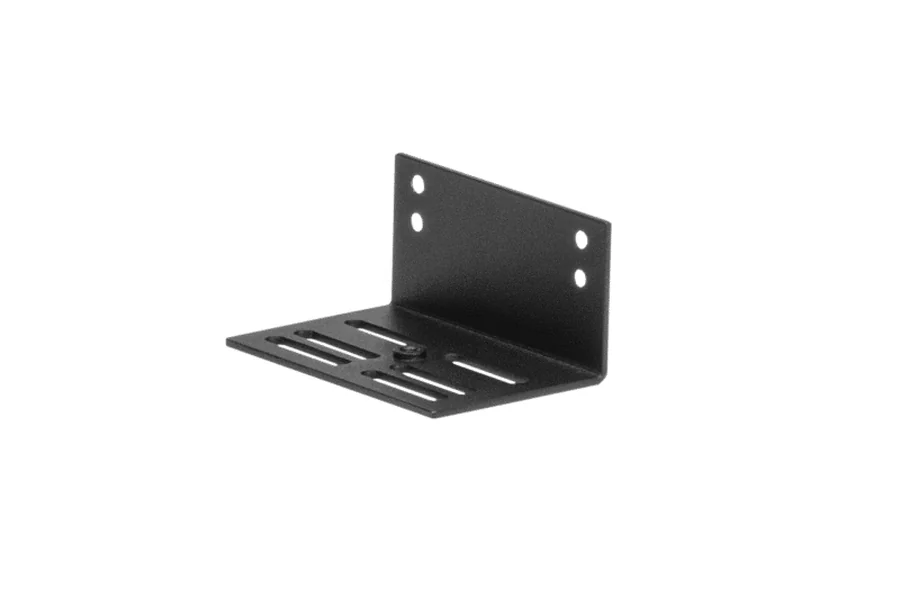
Angled and under-desk mounting brackets for alternative installation of compact Matrox appliances in rack or workspace environments.

Type: Angled rack/surface bracket | Under-desk mounting Compatible: TBD — fetch from page | Compact Matrox appliances
Matrox Products
Mounting Brackets
Mounting Brackets
Angled rack/surface bracket, TBD — fetch from page
Angled Bracket Kit
Our Price: Request a Quote
Mounting Brackets
Under-desk mounting, Compact Matrox appliances
Under-Desk Mounting Brackets
Our Price: Request a Quote

Matrox mounting brackets provide alternative physical installation options for compact Matrox appliances in environments where standard 19-inch rack shelving is not available or appropriate. The angled bracket kit allows appliances to be mounted at an angle to a rack post, cabinet wall, or surface, while under-desk mounting brackets attach appliances to the underside of operator desks or workstation furniture for out-of-sight installation. Both options reduce the footprint of compact Matrox appliances in the operator environment.

Under-desk mounting is commonly used in control rooms and operator workstations where the compact Matrox appliance must be physically close to connected peripherals — such as monitors and keyboards — without occupying desk surface space. The angled bracket provides a flexible mounting option in installations where horizontal surface or rack mounting is not available. Verify compatibility of the specific bracket variant with the Matrox appliance being installed before ordering.

Angled Mounting for Flexible Placement

The angled bracket allows compact Matrox appliances to be mounted at an angle to rack posts, cabinet walls, or flat surfaces, providing installation flexibility in non-standard equipment locations.

Under-Desk Installation Option

Under-desk mounting brackets attach the appliance to the underside of operator desks, keeping the unit close to connected peripherals without occupying desk surface space.

Space-Efficient Deployment

Both bracket types minimise the physical footprint of Matrox appliances in the operator environment, reducing cable run lengths and keeping hardware integrated with the workstation.

Simple Installation

Brackets use standard fasteners and do not require specialist tools, allowing straightforward field installation by AV integrators and IT technicians without factory modification of the appliance.

Technical Specifications

Full specifications for Mounting Brackets

  • Angled Mounting Bracket
    Tilts appliance face upward; suitable for podiums, presentation desks, and AV furniture
  • Under-Desk Mounting Bracket
    Mounts appliance out of sight beneath desk or table surfaces; supports cable management

  • Supported Devices
    Compact Matrox appliances including QuadHead2Go, Extio N3, ConvertIP, and similar small form factor devices
  • Use Case
    Workspace, kiosk, and classroom installations where rack mounting is unavailable or undesired

Documentation

Download product documentation and resources

Discover More

Similar Products

Explore other configurations and models that might suit your needs.

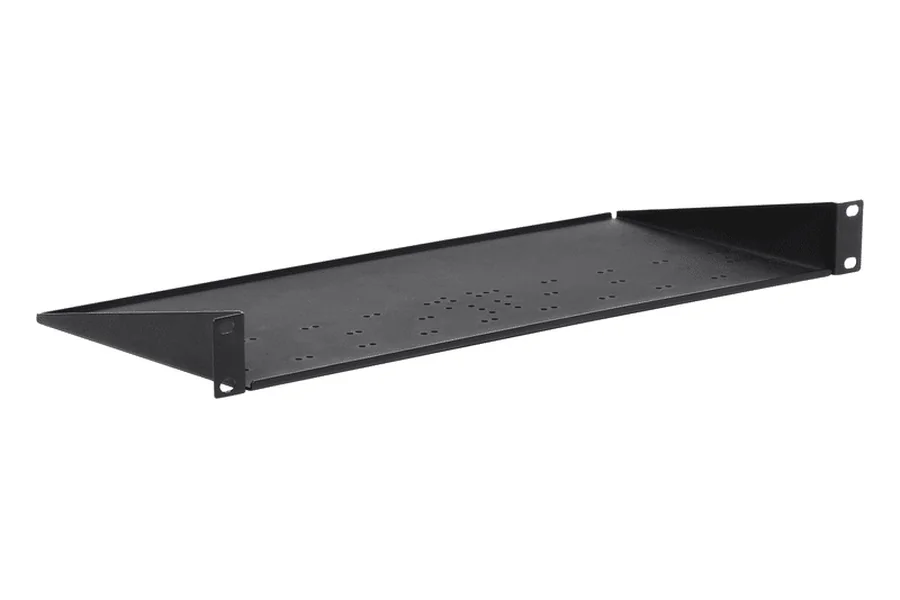
Rackmount Kits Recommended

Rackmount Kits

#RMK-19TR-A

  • Compatible: Avio N2150, Vion EX, ConvertIP, Extio N3, Maevex 7112/6122/6152, QuadHead2Go Q155/Q185
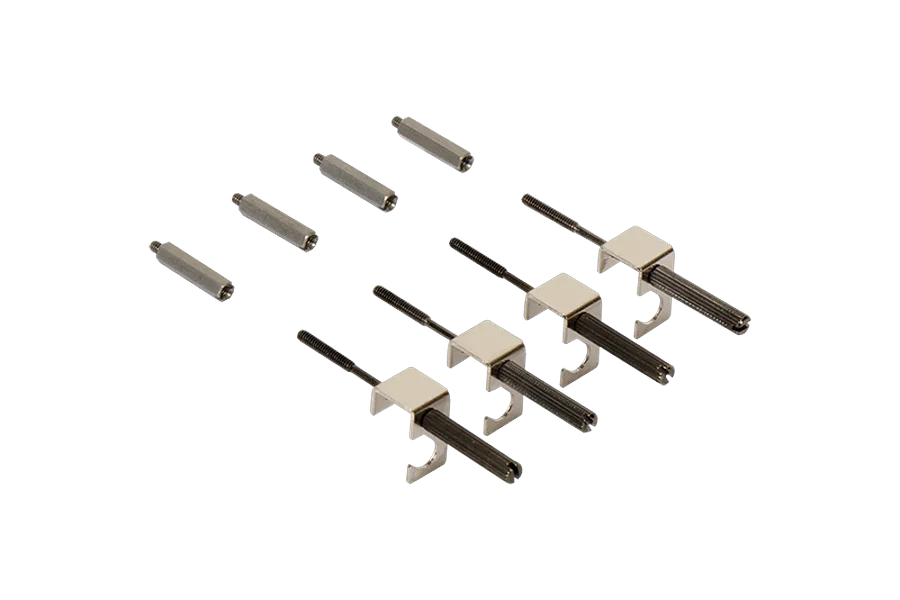
Secure Cable Solutions Recommended

Secure Cable Solutions

#SK-SLND-4

  • Compatible: QuadHead2Go Q155/Q185, Maevex 7112/6122/6152, Mura DVW, ConvertIP SRH/DSH/DRH
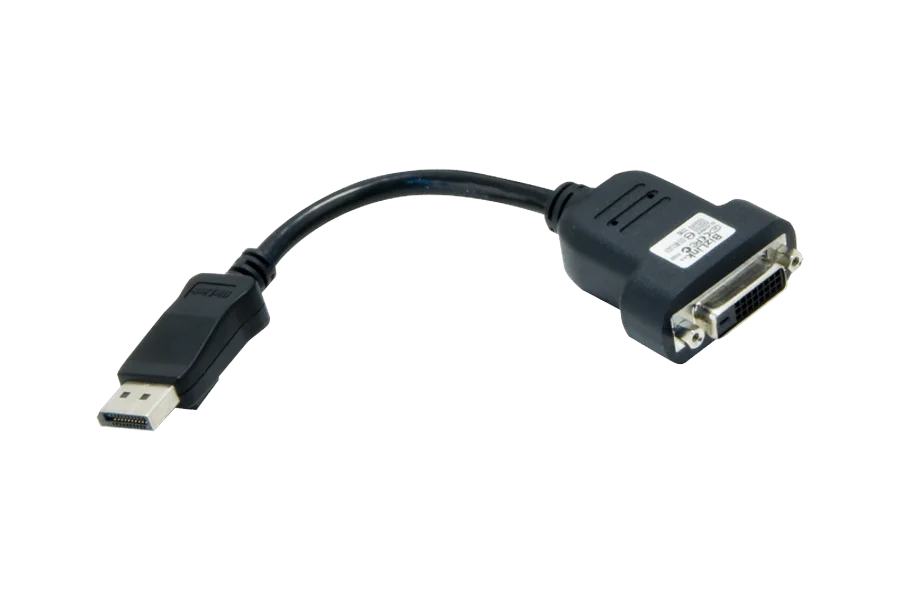
Adapters & Cables Recommended

Adapters & Cables

#DP to DVI Adapter

  • Type: DisplayPort to DVI passive adapter
  • Compatible: M-Series, LUMA Pro

Call a Specialist
Today!

Our team of experts is ready to help you find the perfect Matrox Video solution for your needs. Get personalised advice and competitive quotes.

Monday - Friday: 9:00 AM - 6:00 PM AEST
Sydney, Australia

Speak to an Expert

We're here to help with any questions

Call us now
(02) 9388 1741